Submission of Registration Application
At the final step, the system will display the application as it will appear to the operator during review.
If any information needs to be modified, you can return to the previous step by clicking on the "Organization Data" tab:

If all the required information has been entered correctly and is displayed accurately, click the "Submit" button.
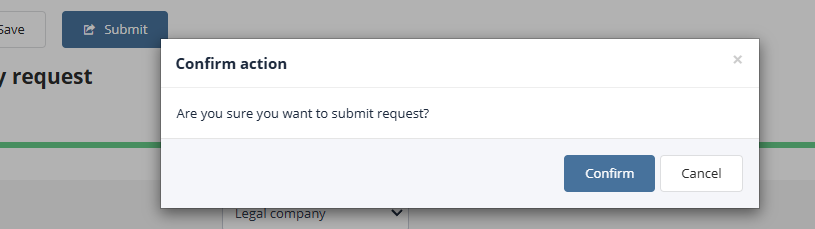
If signature functionality is enabled in the system, the application must be signed. To confirm submission or signing of the application, click the "Confirm" button, or click "Cancel" to abort the operation:
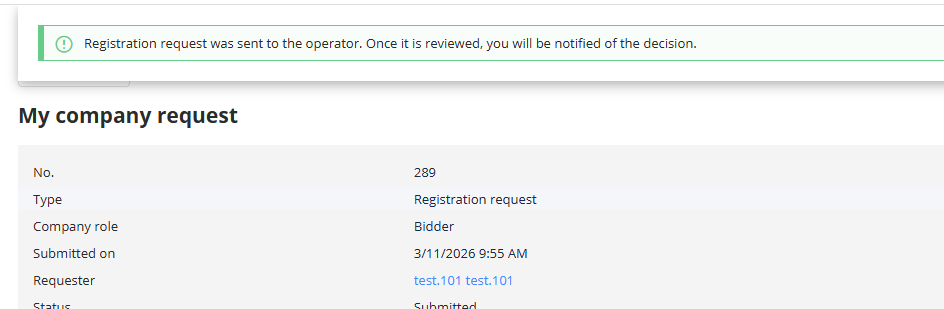
The registration application will be sent to the platform operator for review. Until the application is approved, the user who submitted it will have limited access within the system:
Once the operator approves the registration application, the user will gain full access to all necessary tools for participating in trading on the Electronic Trading Platform.