Two-Factor Authentication Setup
A system user can enable two-factor authentication (2FA) within their personal account. To do so, navigate to the "Personal Information" page and enter edit mode:

On the editing page, check the box labeled "Enable Two-Factor Authentication" and save the changes:

Upon the next login, the user will be prompted to enter a code sent to the email address specified in their personal account:
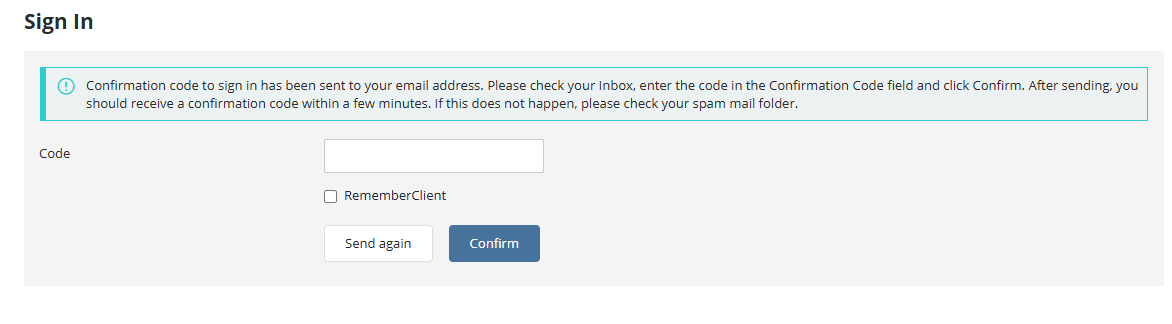
If the checkbox "Personal Information" is selected when entering the code, subsequent logins from the same browser will not require an additional code. To reset this preference, clear the browser's cookies.
To disable two-factor authentication, revert the setting to its original state within the personal account.