User Personal Account
After successful authorization, the user is automatically redirected to the "Personal Account" page.

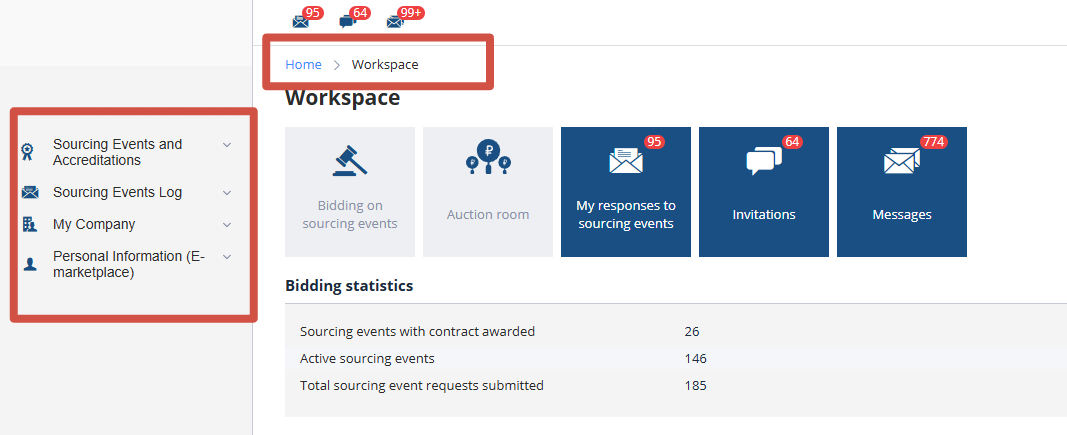
The left menu, quick access tiles to logs, and icons in the top menu can be used to navigate through the system sections. The color of a tile and the presence of a counter indicate there are unprocessed events in the system, such as unread incoming messages. If there are no pending events, the tile will not be highlighted.
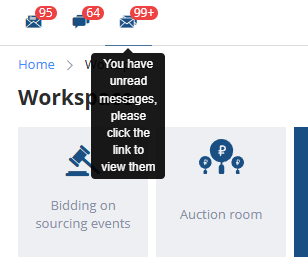
All important events are displayed as icons in the top menu. Clicking an icon directs the user to the corresponding log:
Navigation between the sections of the electronic trading platform (ETP) is performed via the left menu or the breadcrumb navigation at the top of the page:
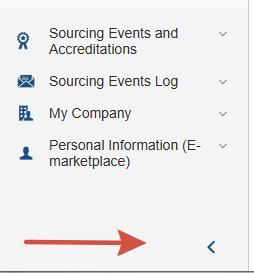
The left menu is accessible from any page within the ETP. It can be collapsed into a compact view using the arrow button located at the bottom of the page. To open the menu, click anywhere on the compact menu area and select the desired section. After navigating to a new page, the menu will collapse again. The automatic collapse can be disabled by clicking the arrow button at the bottom of the page: