Participating in an Auction
Submitting a Bid During an Open Auction
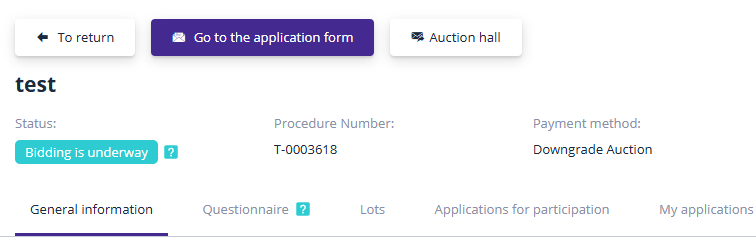
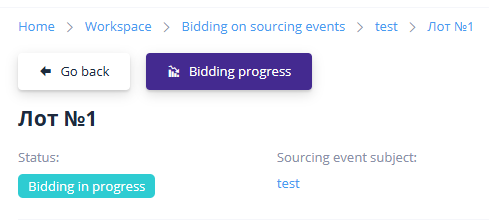
During an Auction, a participant submits their bid by improving the starting price by the auction increment within the trading session. To participate, you must access the lot page at the date and time specified in the lot and proceed to the auction progress page:
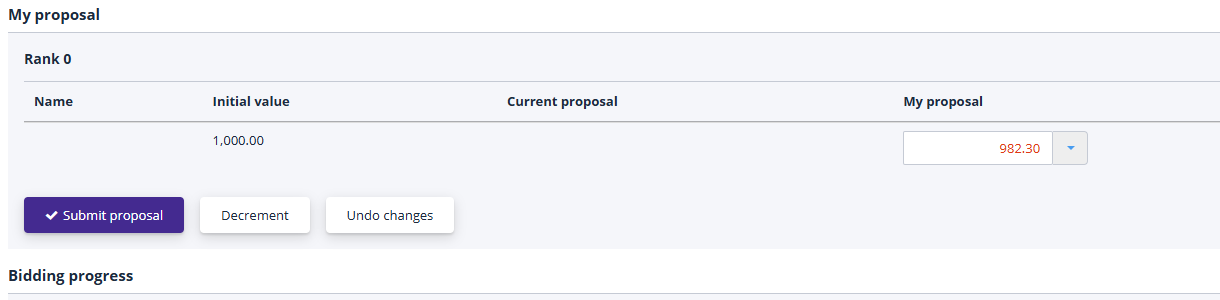
New bids are placed in the "My Bid" section. You can adjust your bid manually in the relevant fields or use the "Lower by Step" button for automatic bid calculation. To submit a new bid, click the "Submit Bid" button:
If the signature functionality is enabled, the bid must be digitally signed. The signing process is identical to signing a participation application and is described in the "Tender Participation" section under "Signing the Participation Application."
Once confirmed, your new bid will appear in the auction progress.
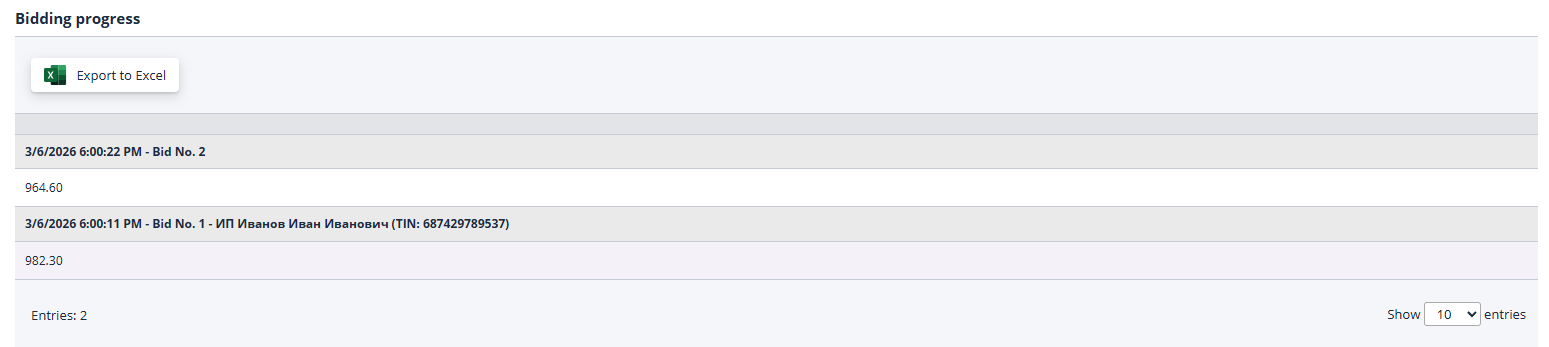
The "Auction Progress" section displays new bids submitted by participants along with their submission times. Participant names are anonymized to ensure confidentiality. Your own bid includes a signature showing the organization’s name and details:
At the auction’s conclusion, the organizer reviews all submitted bids and publishes the results, thereby completing the procedure.
Auction Hall
This section displays a list of all lots with active trading sessions. The list includes auctions, public offers, and in-person re-bidding procedures such as requests for proposals and requests for quotations.
To access the Auction Hall page, click the "Auction Hall" link in the "Personal Account" menu:
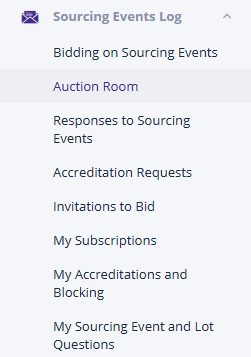
The Auction Hall enables organizations participating in multiple trading procedures to monitor competitive bids more efficiently. Additionally, it allows users to immediately submit competitive bids during ongoing trading sessions.
The Auction Hall page consists of three main components:
-
A list of lots currently in an active trading session, with an option to switch between them.
-
A divider element to adjust the size ratio between the Lot List and the Trading Session page.
-
The trading session page for the selected lot, which opens at the "My Bid" block, allowing immediate bid submission upon lot selection.
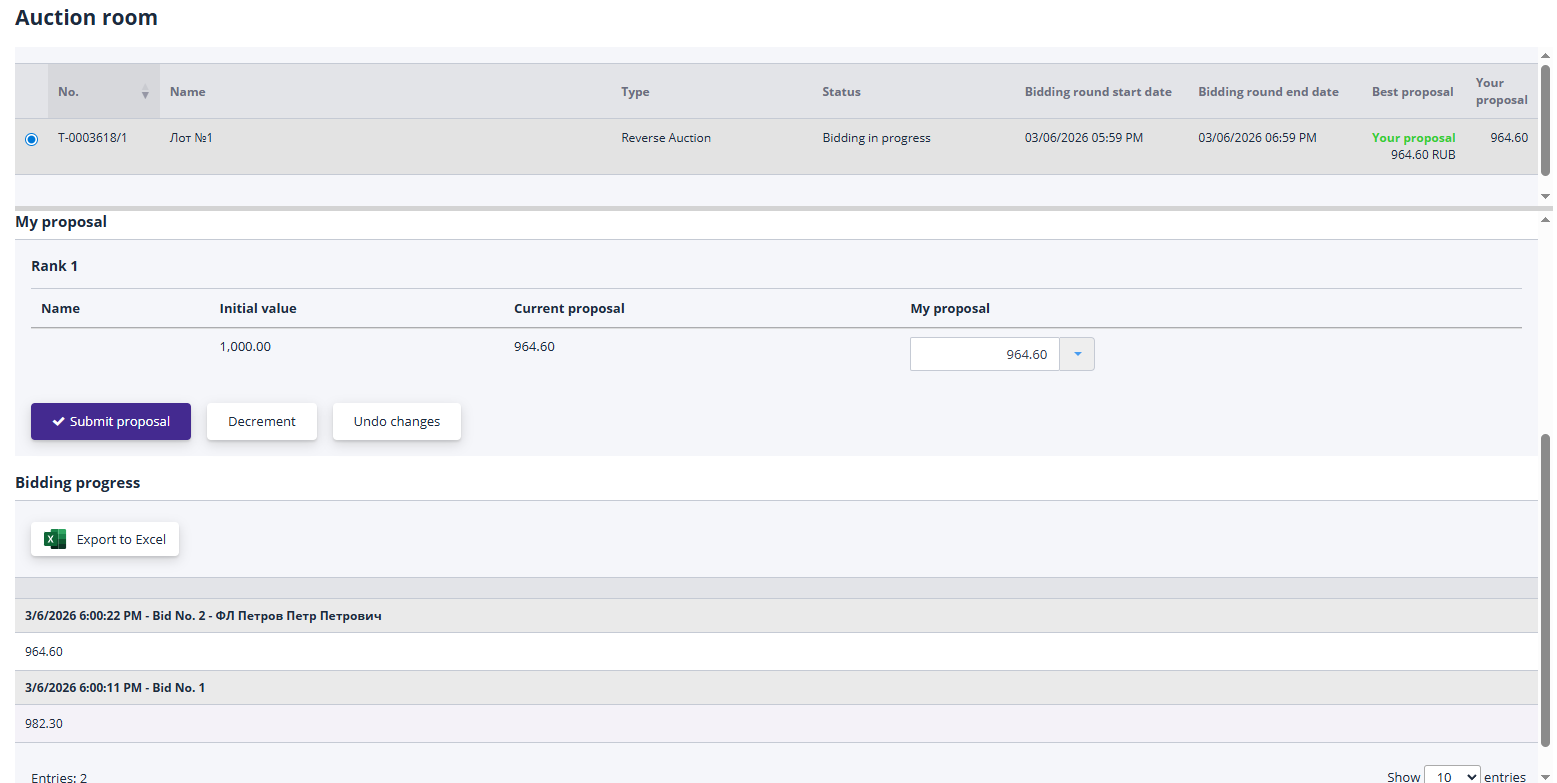
Each auction includes a link to the procedure’s Auction Hall. The lot list shows only the lots relevant to the current trading procedure.