Participation in the Additional Document Request
If the participant's organization receives an invitation to participate in an additional document request, it means that the auction organizer requires supporting documents.
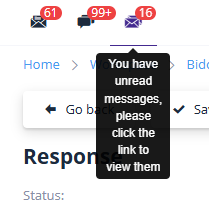
A notification about the organizer's request will appear in the participant’s personal messages:
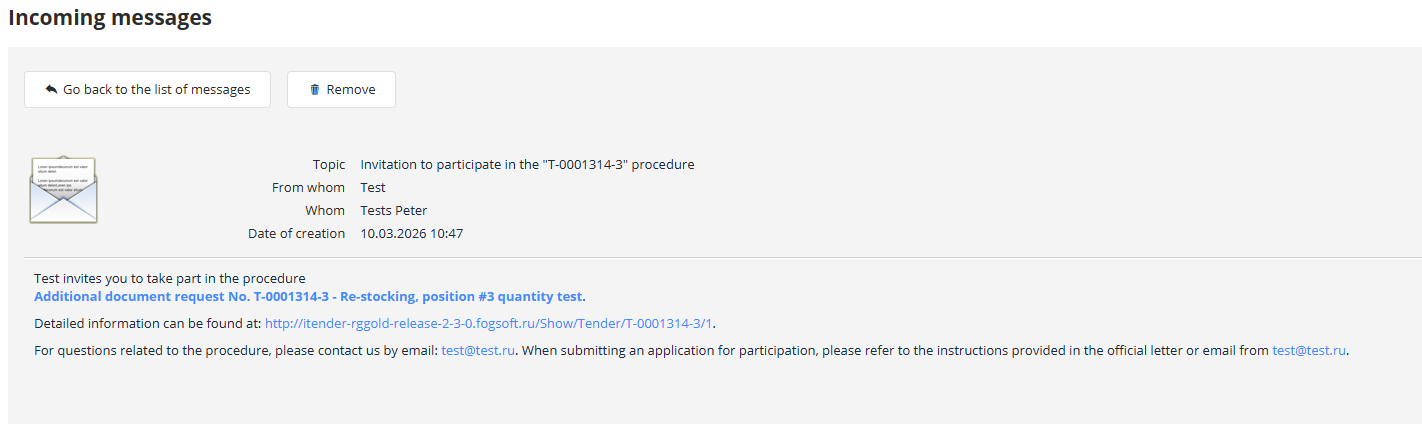
To quickly access the additional information request page, follow the link provided in the email:
Alternatively, open the trading procedure page and navigate to the "General Information" tab. In the "Additional Stages" section, click the link corresponding to the additional document request number:

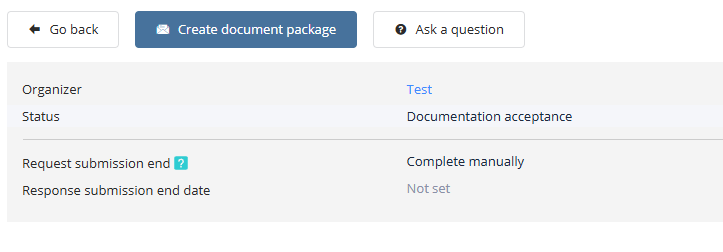
To participate in the new stage, create a document package by clicking the "Create Document Package" button:
On the page that opens, attach the required documents and click the "Submit" button:
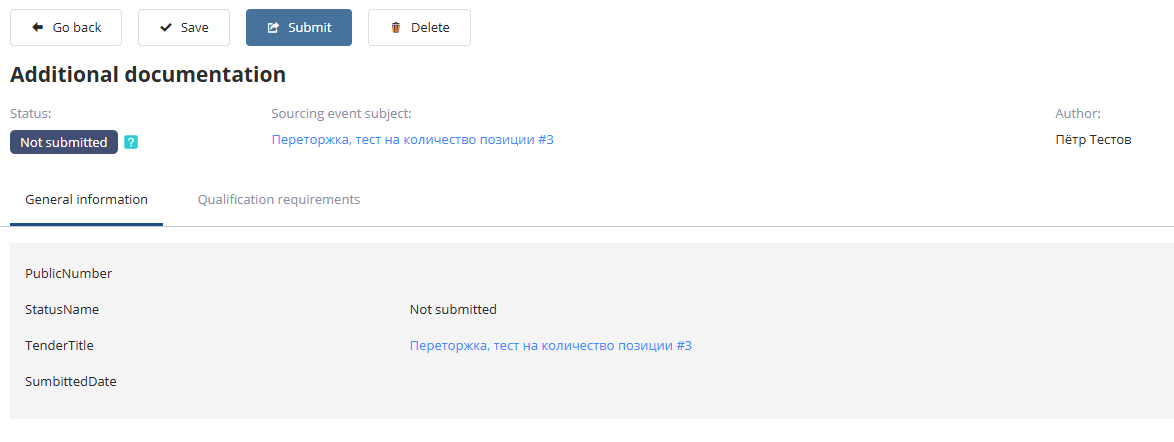
The application details will be displayed in the "Participation Applications in Procedures" log.