Participating in a Single-Price Revision Auction
During a single-price revision auction, you can improve your price offer by submitting a bid to participate in the revision. To join the new stage, at the specified date and time indicated in the invitation for accepting bids, access the lot page, select the revision in the "Additional Stages" section, and then create a bid for participation by entering your new offer:
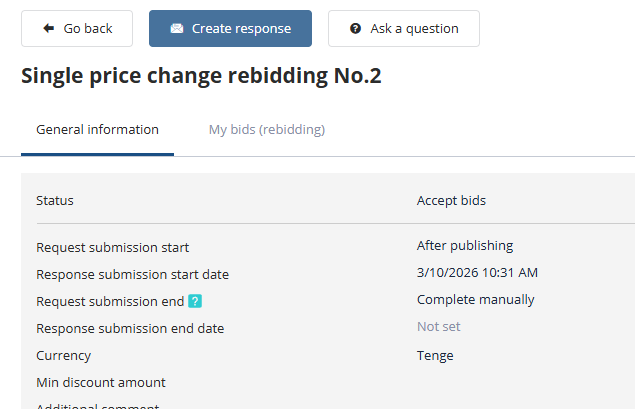
To submit a bid for participation in the revision, click the "Submit" button:
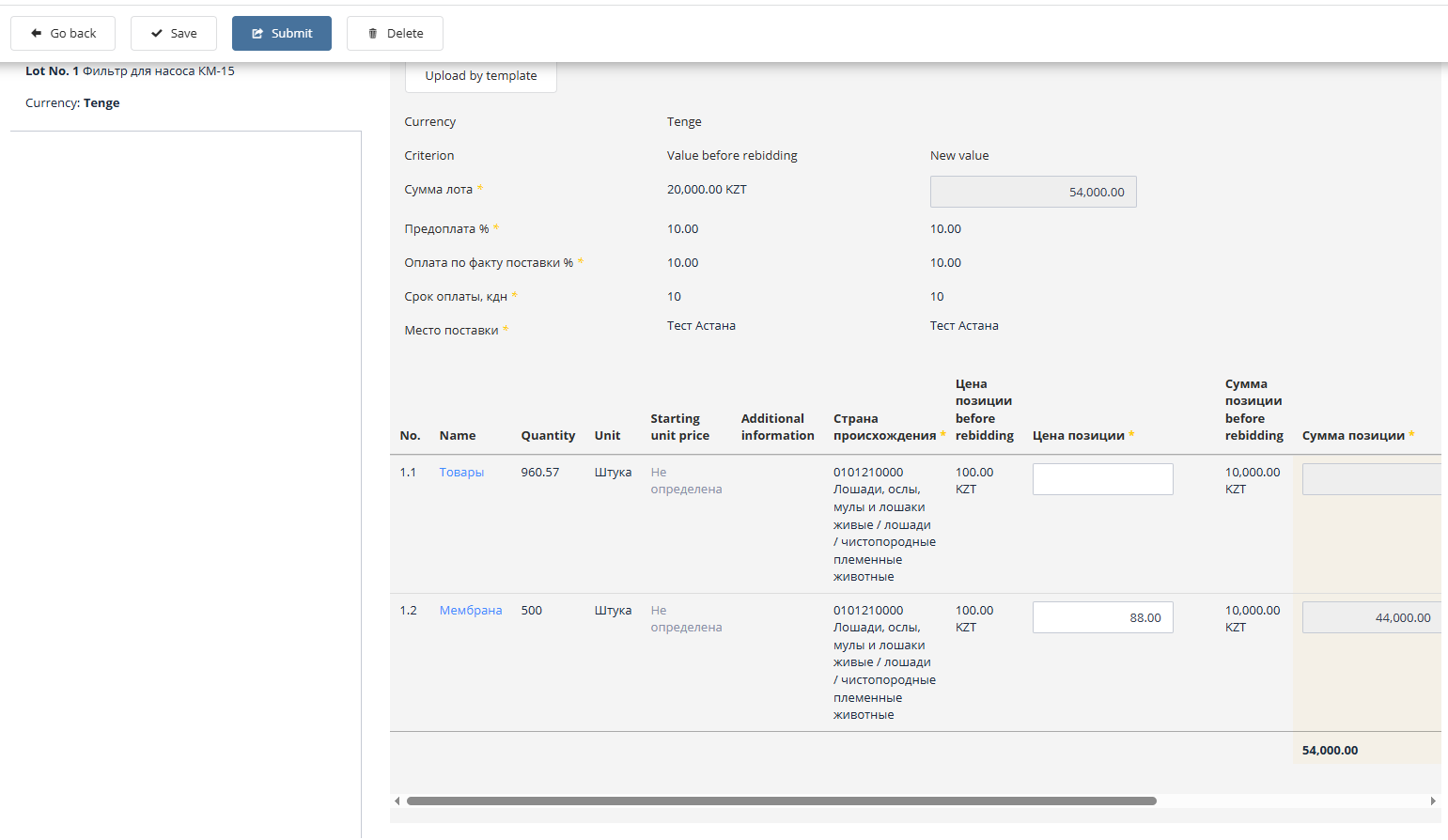
If the system’s signature functionality is enabled, the bid submitted for participation in the revision must be signed. The bid signing process is described in the section "Participation in Tenders," under the subsection "Signing a Bid for Participation."