Section "Document Log"
Document Management Section
Participants can view all their contracts and related decisions in the document log. To access this, select the "Document Management" section and then the "Document Log" item from the left sidebar menu:

The page displays information including the document date, number, status, publication date, and counterparty. Search filters are provided for document type, number, document date, publication date, status, and counterparty to facilitate navigation:
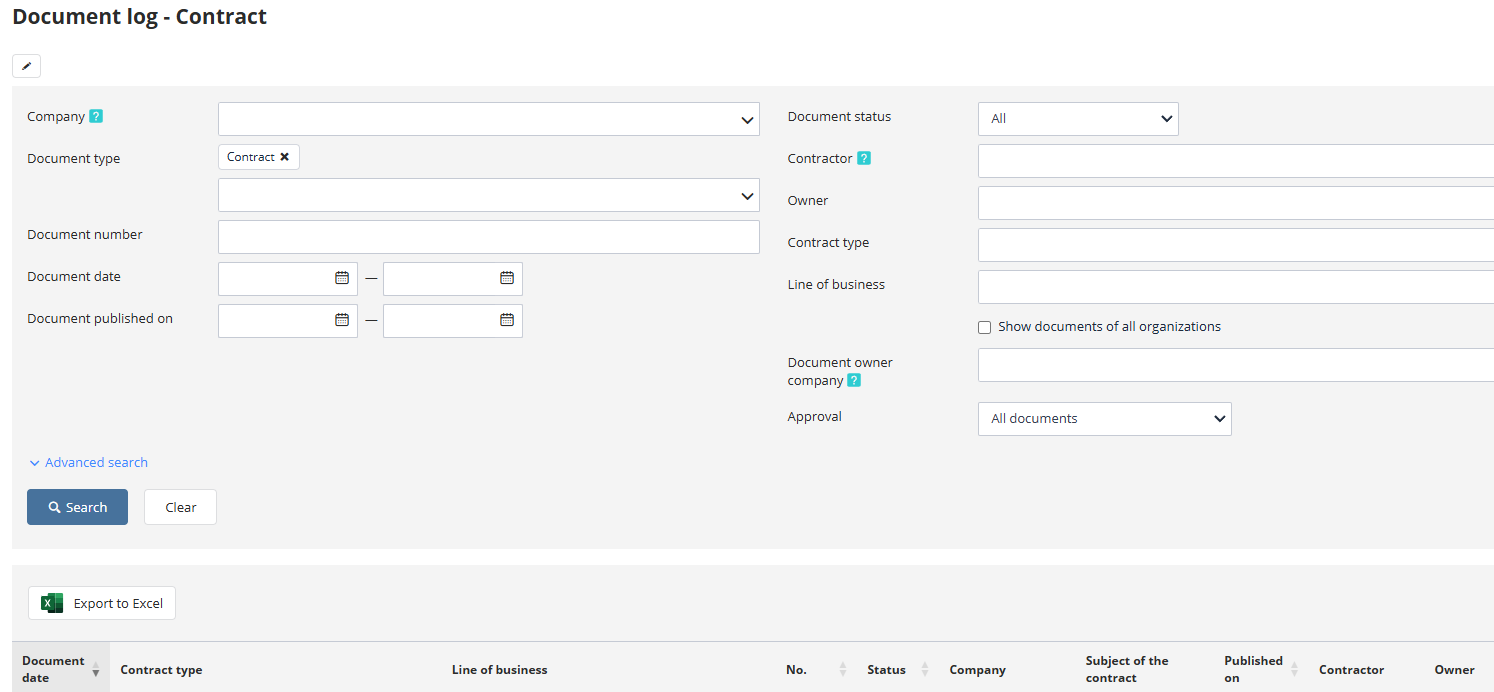
To view a document, click the link in the "Document Date," "No.," or "Publication Date" columns.
My Contracts Section
The log "My Contracts" lists all contracts offered to the participant's company. To access this log, select the "Document Management" section and then the "My Contracts" item from the left sidebar menu:

The page displays all contracts offered to the participant, along with the document date, status, and method of signing. Search filters are available for document number, document date, publication date, status, contract type, and economic activity category to assist in navigation:
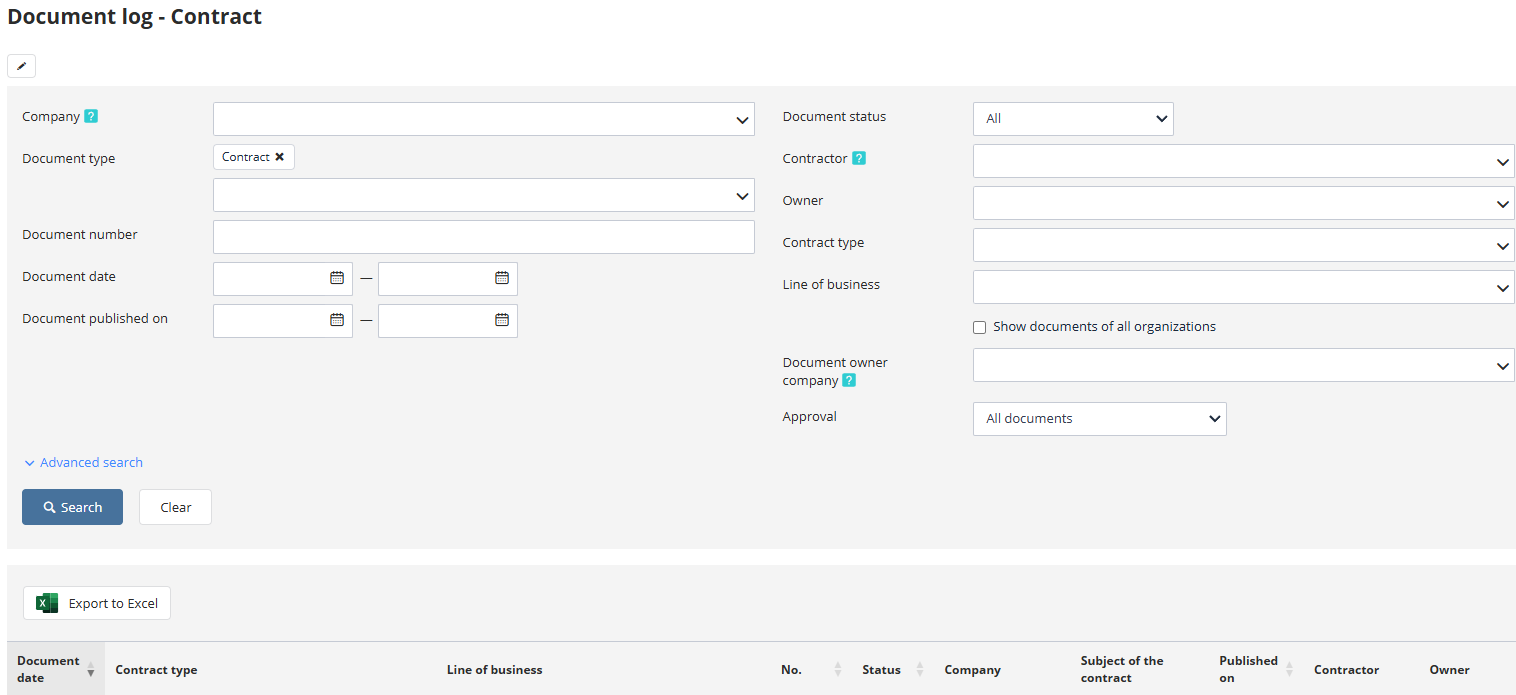
To view a contract, use the link in the "Document Date" or "No." columns.